
 ImageVideo
01
Portrait Comes Alive
A close-up photograph of a young woman in natural light; her eyes blink gently as she smiles and turns slightly toward the camera.
Reuse this promptTurn still portraits, products, and landscapes into moving scenes with fluid motion. Pair clips with our integrated AI voice generator to create complete social reels and video ads in seconds.
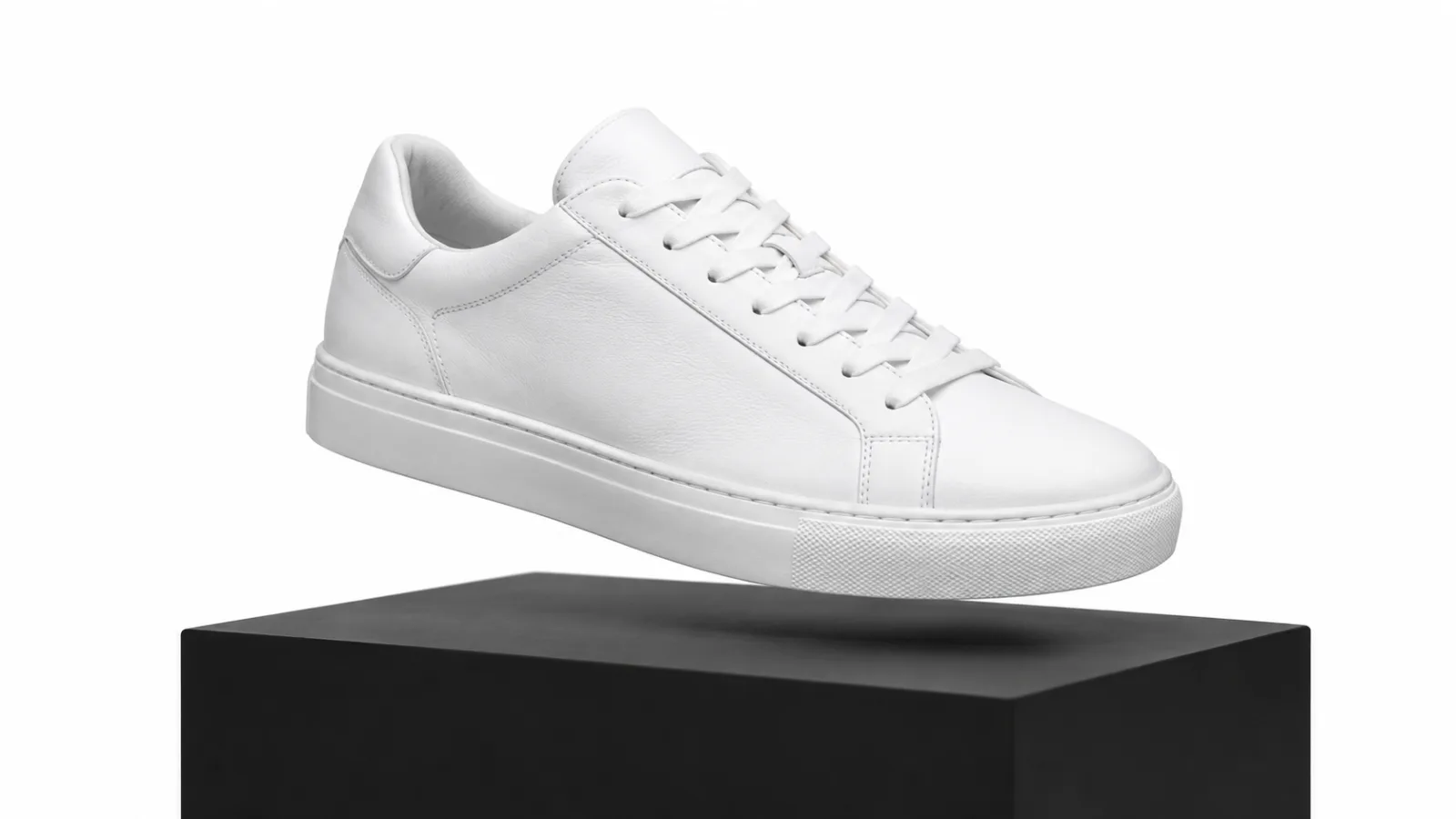
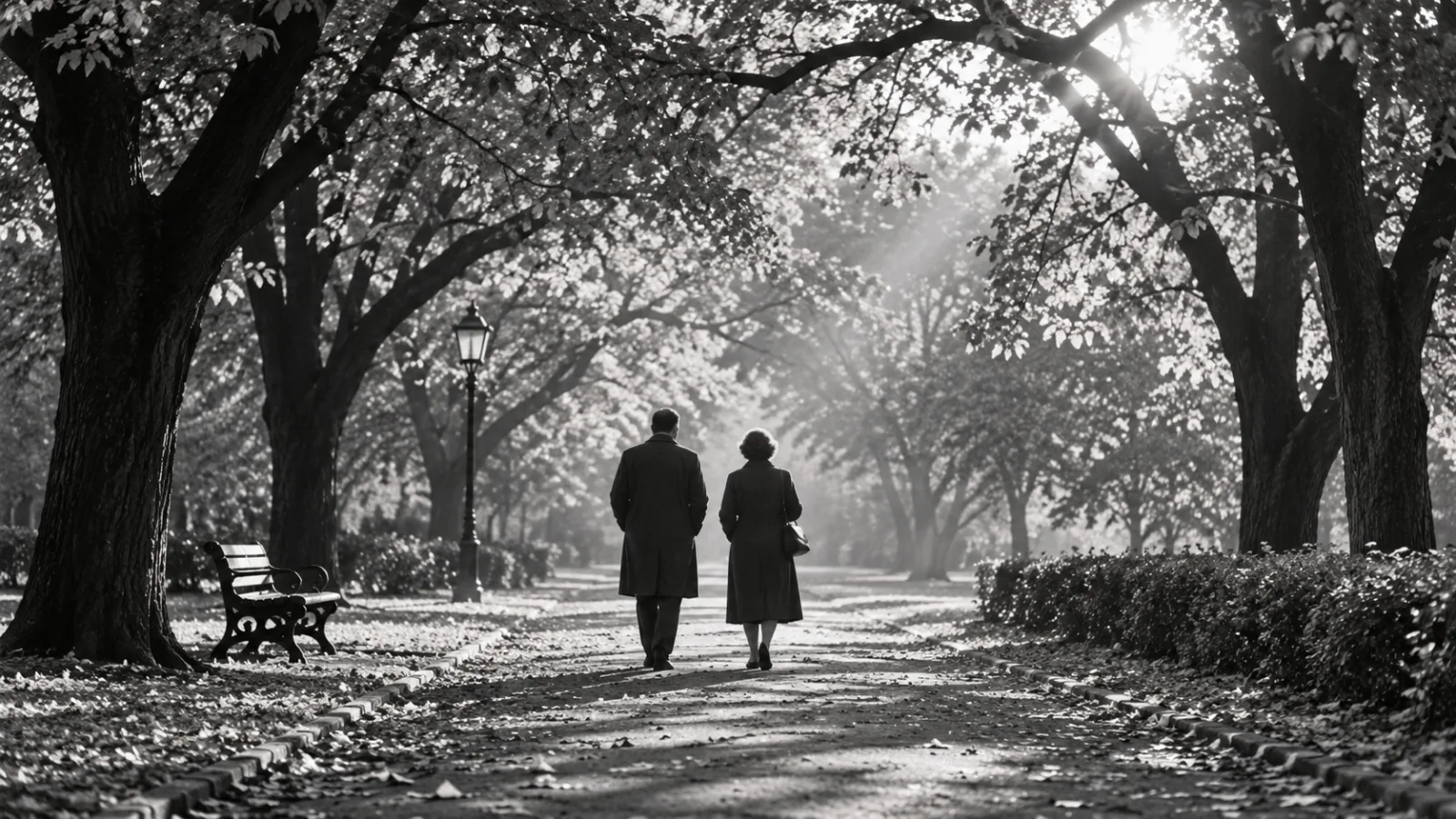
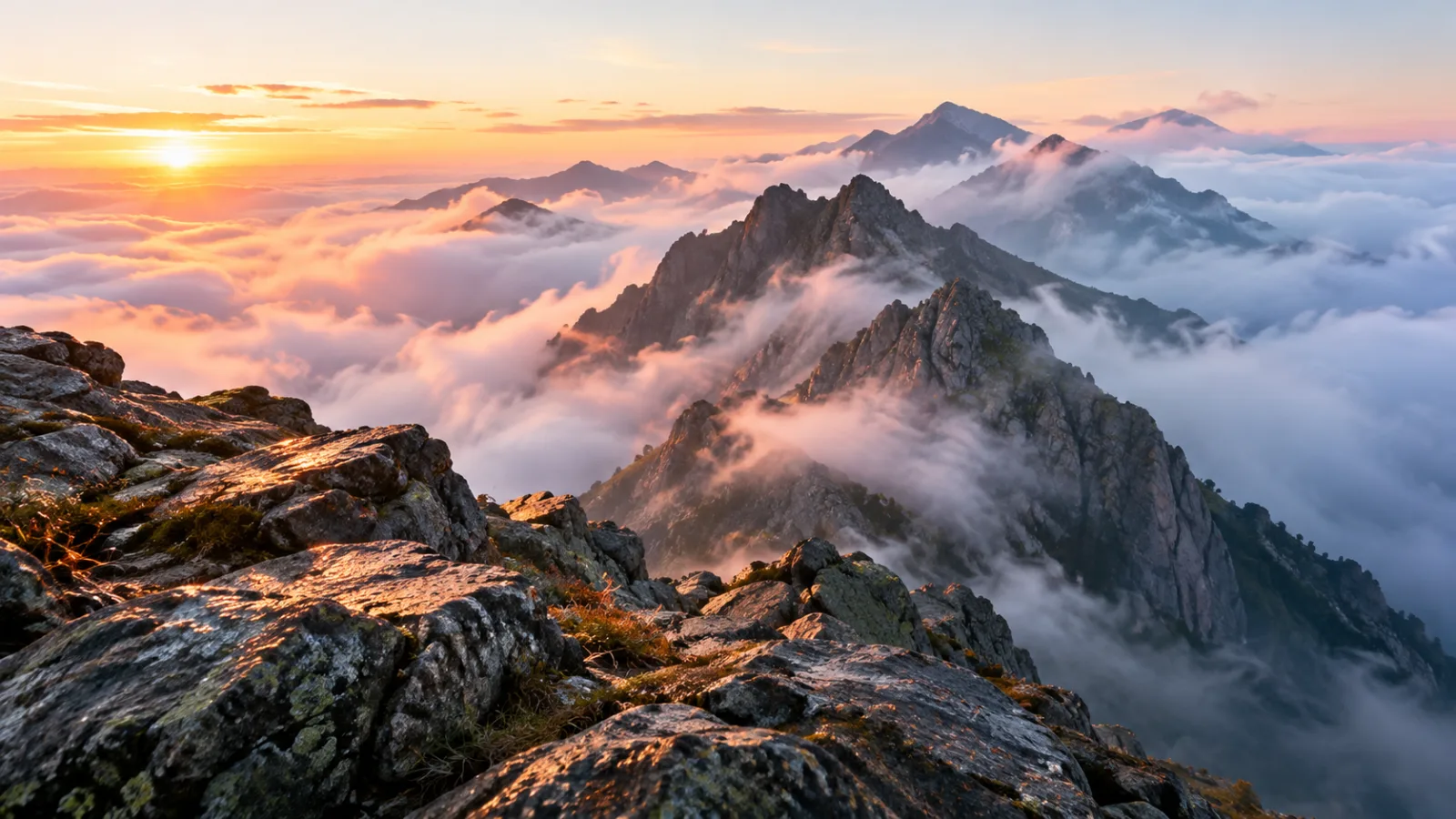
Image Video
New accounts start with 10 free credits. No card needed.
Gallery
Upload a still photo, pick a motion prompt, and render a high-definition clip in seconds. Hover over any sample below to see how Micy animates the source image.
ImageVideo A close-up photograph of a young woman in natural light; her eyes blink gently as she smiles and turns slightly toward the camera.
Reuse this promptImageVideo A studio packshot of white leather sneakers on a dark pedestal; the camera circles smoothly around the shoes under shifting softbox lighting.
Reuse this promptImageVideo A black-and-white family portrait from 1952; the subjects smile naturally, blink, and turn toward each other with subtle shoulder movement.
Reuse this promptImageVideo A still landscape photo of foggy alpine peaks at dawn; the camera pushes steadily forward through the mist as morning light glints off wet rocks.
Reuse this promptWorkflow
Turn any picture into a finished clip using the Micy AI video generator in four straightforward steps.
Drop a portrait, catalog shot, or illustration into Micy to set the initial visual frame.
Type camera movements, gestures, or facial expressions, and add speech tracks via the AI voice generator.
Select your target aspect ratio, motion intensity, and duration to match vertical social feeds or landscape displays.
Generate high-definition video files, review the motion preview, and download ready-to-publish MP4 assets.
Core Capabilities
Upload any still image and describe the movement. Micy converts static portraits, products, and landscapes into smooth video clips.
Match realistic speech and natural lip movement to portrait photos. Turn static headshots into speaking characters without recording studio gear.
Direct camera pans, zooms, and aerial push-ins across your source frame. Guide visual flow without re-shooting your original assets.
Rotate flat product shots into dynamic 360-degree showcases. Highlight angles, textures, and packaging for ready-to-run social ad creatives.
Restore natural movement to vintage portraits and heritage photography. Add gentle blinks, subtle smiles, and realistic head tilts in seconds.
Render outputs in 9:16 vertical, 16:9 landscape, or 1:1 square formats. Export production-ready video optimized for TikTok, Reels, and YouTube Shorts.
Motion Engine
Micy transforms single still frames into dynamic video clips using an advanced AI video generator architecture. Feed in product renders, headshots, or archival pictures, then direct movement and pacing using plain text commands.
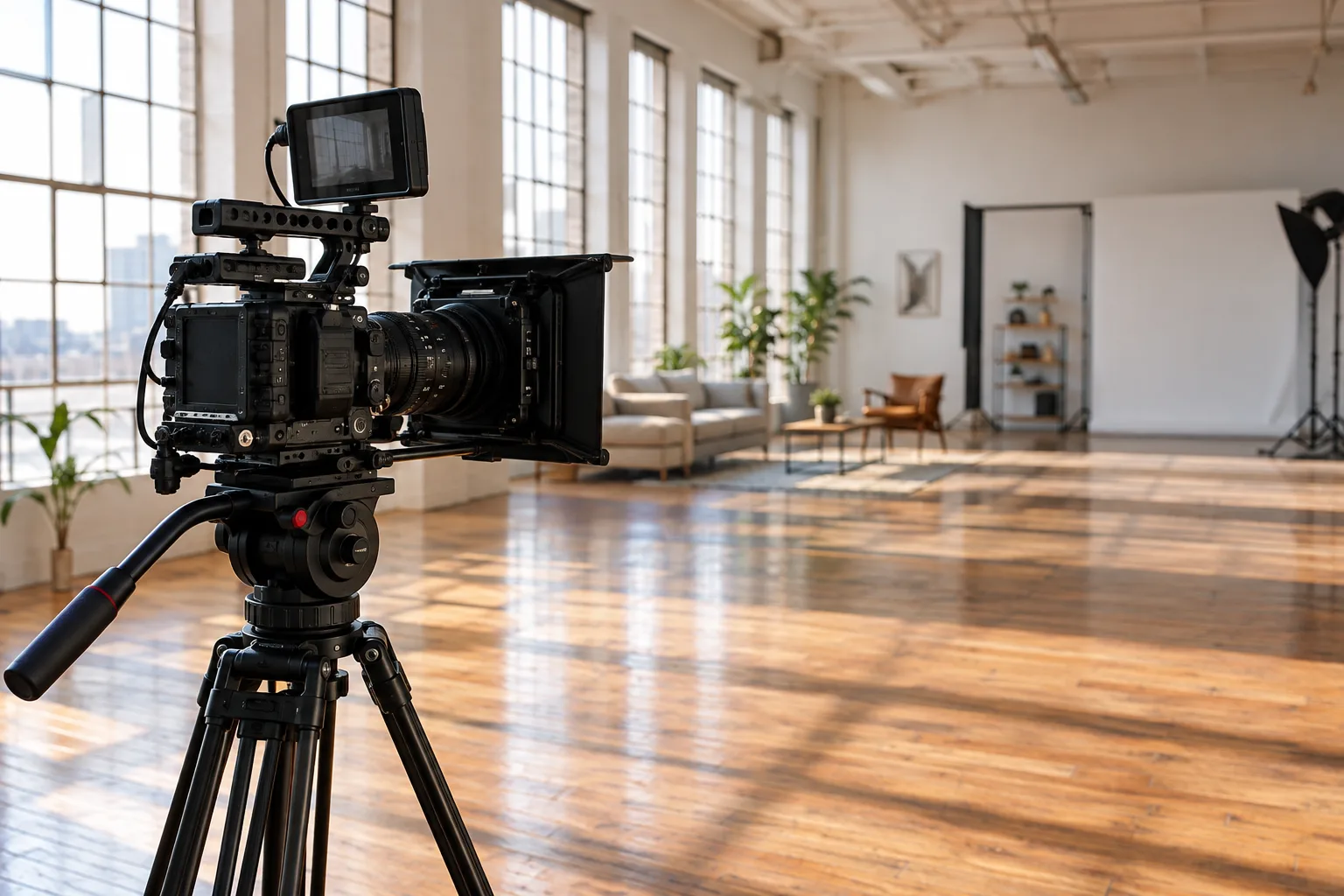
Micy animates static facial expressions, fabric movement, and background depth with natural lip-sync powered by our built-in AI voice generator.
Platform Benefits
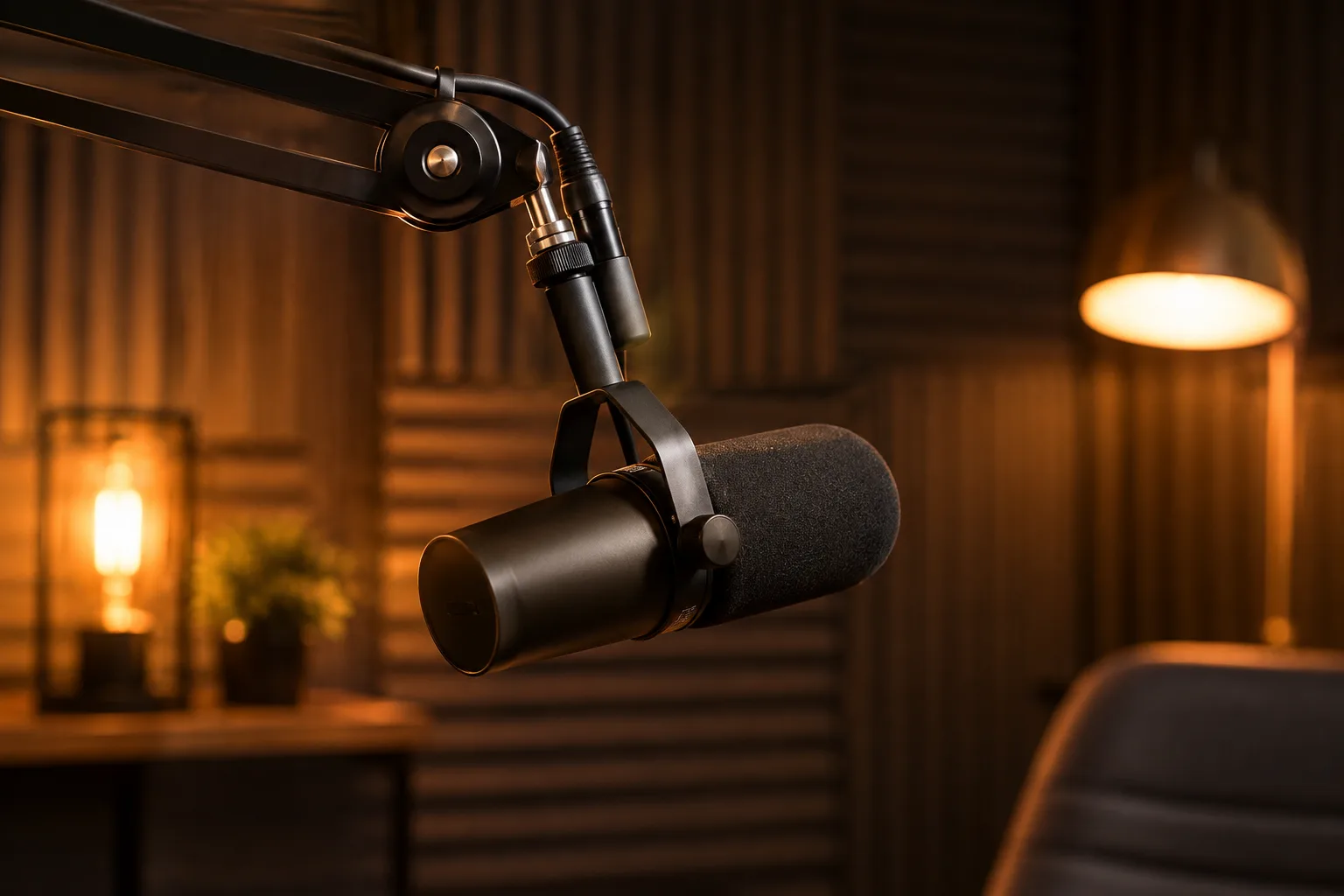
Pair portrait uploads with our built-in AI voice generator. Generate precise lip sync, authentic blinks, and engaging video delivery from a single image.
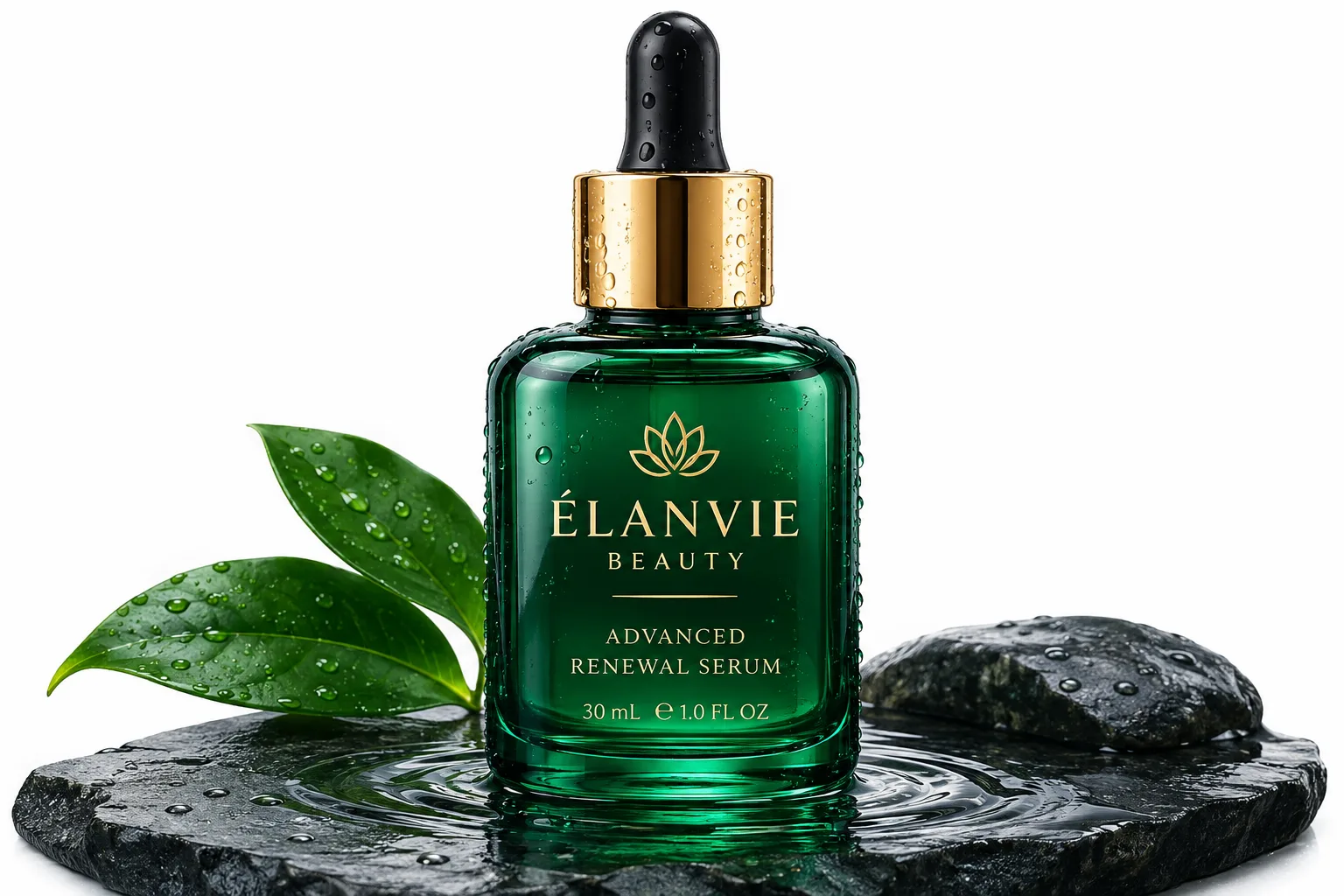
Transform static catalog photos into motion-rich e-commerce ads. Test multiple product angles and motion styles fast to lift conversion rates.
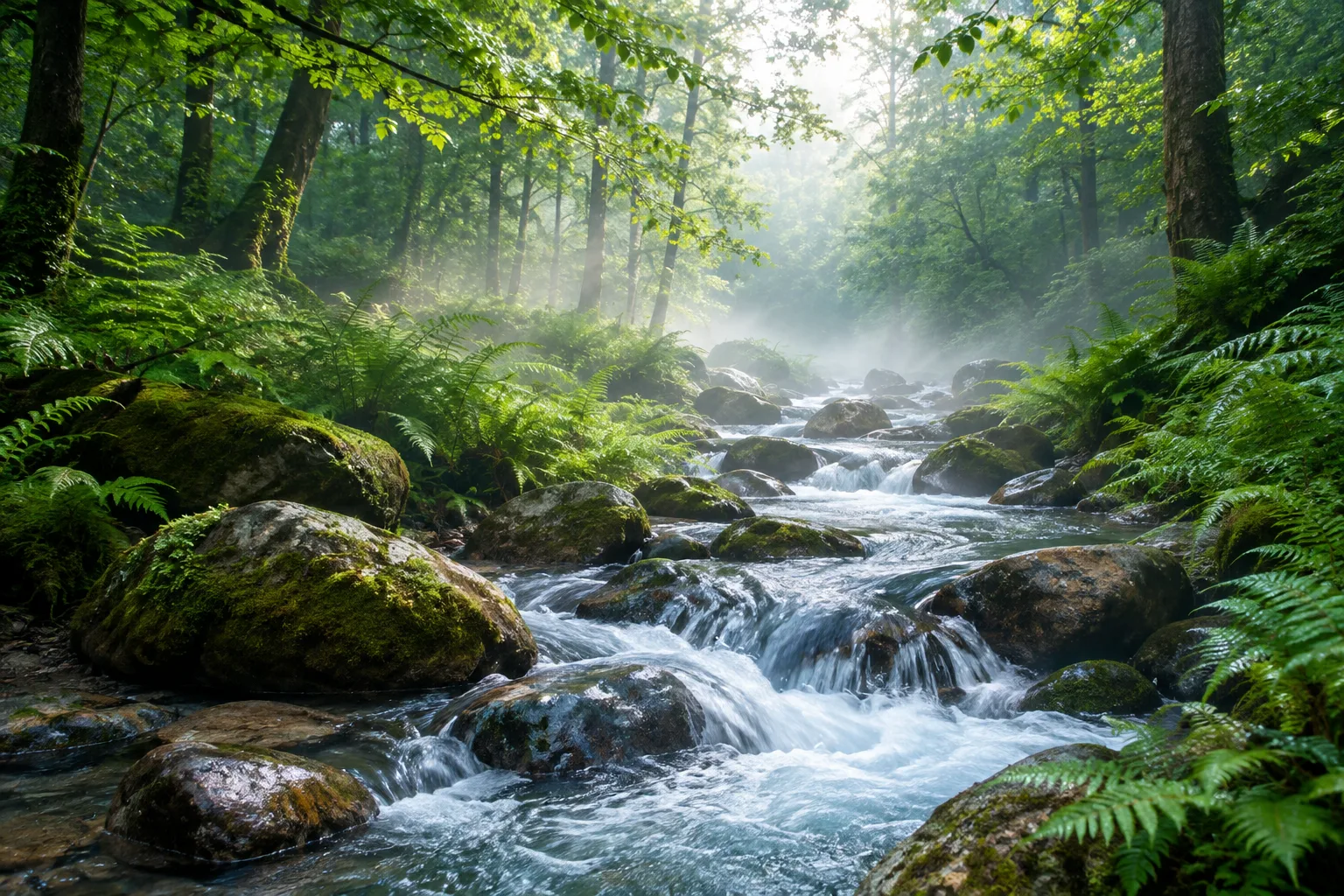
Animate drifting clouds, rushing water, and ambient lighting across still landscapes. Create cinematic visual cutaways for short-form video projects.
Pricing Plans
Monthly subscription plans renew automatically and can be canceled anytime. Prepaid credit packs never expire.
Billed monthly. Cancel anytime.
Billed monthly. Cancel anytime.
Billed monthly. Cancel anytime.
Billed monthly. Cancel anytime.
$99.90 billed yearly. Cancel anytime.
$199.90 billed yearly. Cancel anytime.
$499.90 billed yearly. Cancel anytime.
$999.90 billed yearly. Cancel anytime.
FAQ
Find answers regarding photo animation, rendering limits, commercial rights, and credit billing with Micy.
Upload any clear JPG or PNG image, write a brief motion prompt describing the action, and let Micy calculate depth and movement. In roughly two to three minutes, the system delivers an animated MP4 video with natural lighting shifts, realistic micro-expressions, and smooth camera physics without requiring complex manual keyframing.
Yes. You can enter your script into the built-in AI voice generator, pick an expressive voice profile, and sync it directly to an animated headshot. Micy aligns lip movements and facial gestures to the spoken audio track, producing a synchronized talking video ready for social media or training modules.
High-resolution photos with distinct subjects, crisp edge contrast, and balanced lighting yield the cleanest video animations. Avoid heavily compressed images, severe motion blur, or tiny cropped faces. Clear frontal views work best for talking characters, while centered product shots produce the smoothest 360-degree orbital camera rotations.
Render times typically range from 60 seconds to three minutes depending on current queue volume, resolution, and clip duration. Your generation job runs securely in the cloud, allowing you to queue multiple prompts simultaneously or close your browser while Micy finishes processing the final video file.
Yes, subject to your active plan and selected generation settings. Paid subscribers retain commercial distribution rights to export and publish finished video clips for client campaigns, e-commerce product listings, YouTube shorts, and paid social advertising channels without watermarks.
The integrated AI voice generator supports dozens of international languages and localized accents. Simply type or paste your translated text, select the appropriate regional dialect in the dropdown, and generate natural narration that matches your video pacing across global marketing campaigns and localized content.
Bring static portraits, vintage memories, and e-commerce products to life. Harness our AI video generator and AI voice generator to create studio-quality visuals in minutes.